StellarCanvas — This StellarCanvas manual is adapted from the Krita documentation. Because StellarCanvas includes HarmonyOS-specific changes, some features, interface details, and behavior may differ from this manual.
Blur
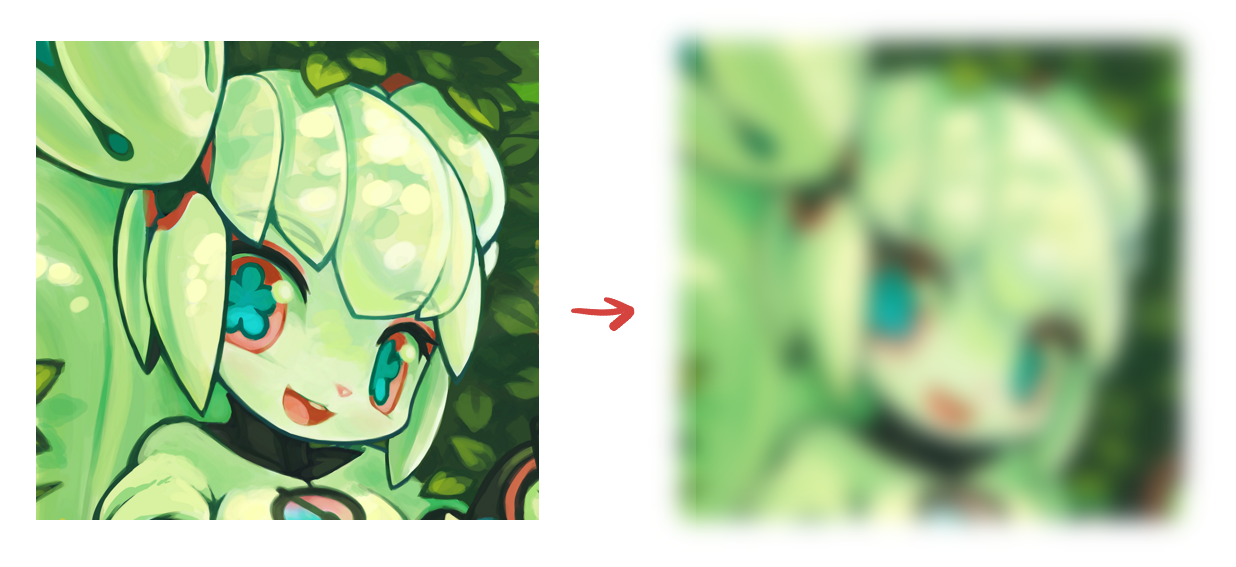
The blur filters are used to smoothen out the hard edges and details in the images. The resulting image is blurry. below is an example of a blurred image. The image of Kiki on right is the result of blur filter applied to the image on left.
There are many different filters for blurring:
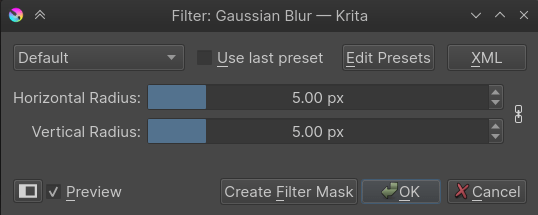
Gaussian Blur
You can input the horizontal and vertical radius for the amount of blurring here.
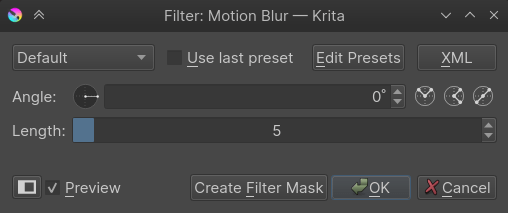
Motion Blur
Doesn’t only blur, but also subtly smudge an image into a direction of the specified angle thus giving a feel of motion to the image. This filter is often used to create effects of fast moving objects.
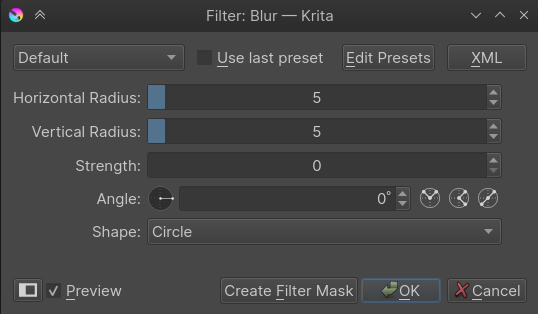
Blur
This filter creates a regular blur.
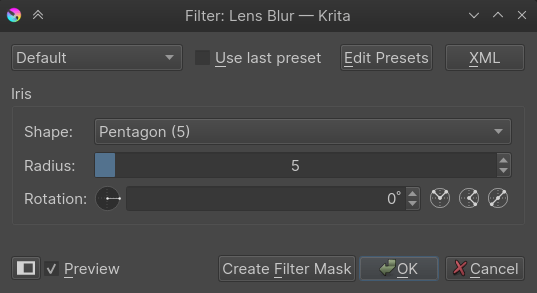
Lens Blur
Lens Blur Algorithm.